
Ransomware is one of the biggest threats facing businesses today, and knowing 5 ways to protect yourself from Ransomware can prevent serious downtime and data loss. A single click on the wrong link can lock files, disrupt operations, and create expensive recovery work.
The good news is that most ransomware attacks are preventable. With the right precautions in place, you can dramatically reduce your risk and protect your systems, your data, and your customers.
In this guide, we will explain what ransomware is, how it works, and five practical steps you can take today to defend your business against it.
What Is Ransomware?
Ransomware is a type of malicious software that blocks access to your files or systems until you pay a ransom. In most cases, the malware encrypts your data, making it unreadable. The attacker then demands payment, usually in cryptocurrency, in exchange for a decryption key.
These attacks can target:
- Individual users
- Small and medium-sized businesses
- Large enterprises
- Healthcare providers
- Government agencies
Once inside a system, ransomware can spread quickly across networks, encrypt shared drives, and even target backups if they are not properly protected.
For more background on how ransomware works and why it spreads so fast, review the guidance from CISA’s StopRansomware resources.
You can also reference NCSC’s ransomware guidance for practical prevention steps.
How Does Ransomware Get Into Your System?
Most ransomware attacks begin with a simple mistake. An employee clicks a malicious email attachment. A fake invoice is downloaded. A weak password is guessed. An outdated system is exploited.
Common entry points include:
- Phishing emails
- Malicious attachments
- Compromised websites
- Remote desktop protocol (RDP) vulnerabilities
- Outdated software
The key thing to understand is this: ransomware rarely “breaks in” dramatically. It usually walks in through an unlocked door.
Now let’s look at five powerful precautions you can take to protect yourself from ransomware.
1. Avoid Suspicious Links and Attachments
Phishing emails remain the most common way ransomware spreads. Attackers disguise messages as legitimate communications from vendors, banks, shipping companies, or even coworkers.
These emails often include:
- Urgent payment requests
- Fake invoices
- Password reset alerts
- Delivery notifications
- Security warnings
Clicking on a malicious link or downloading an infected attachment can immediately install ransomware on your system.
How to Stay Safe
- Never click links from unknown senders
- Verify unexpected invoices or payment requests by phone
- Hover over links to inspect the actual URL
- Train employees to recognize phishing attempts
- Use advanced email filtering tools
Employee awareness training is one of the most effective defenses. Technology helps, but human caution is critical.
You may also want to review our article on Top 10 Email Security Best Practices You Need to Implement to strengthen your email defenses.
2. Do Not Fall for Scareware
Scareware is a manipulation tactic designed to frighten users into taking immediate action. You may see a pop-up message claiming your system is infected or that your files are at risk. The message may demand payment or urge you to download a “security tool.”
These alerts are often fake. The “solution” they provide is actually malware.
Common Scareware Tactics
- Fake virus warnings
- Browser pop-ups claiming your device is hacked
- Phone numbers for fake technical support
- Pressure tactics demanding urgent action
Legitimate security software does not demand immediate payment through pop-ups or threaten you with countdown timers.
How to Protect Yourself
- Never call phone numbers shown in pop-up warnings
- Close suspicious browser tabs immediately
- Do not download software from unknown sources
- Use trusted security solutions only
If something looks urgent and dramatic, pause before acting. Attackers rely on panic to succeed.
3. Maintain Secure and Regular Backups
Backups are your safety net. If ransomware encrypts your system, clean backups allow you to restore operations without paying the ransom.
However, backups must be properly configured. If they are constantly connected to your network, ransomware may encrypt them too.
Best Practices for Backup Protection
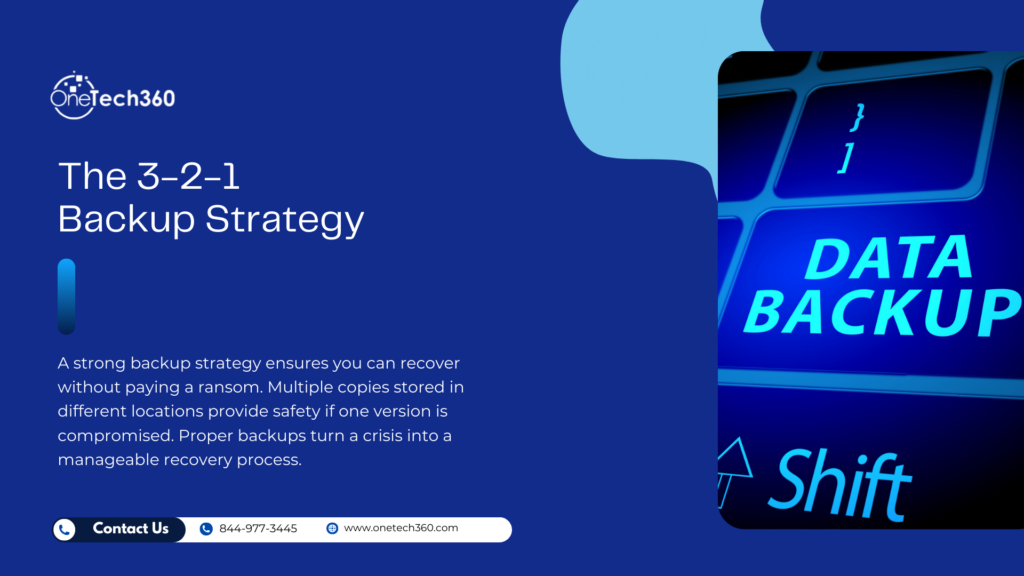
- Use the 3-2-1 backup strategy (3 copies, 2 storage types, 1 offsite copy)
- Keep at least one backup offline or isolated
- Test backups regularly to ensure they can be restored
- Encrypt backup data for additional protection
Cloud backups can be helpful, but they must be configured securely. Do not assume your provider handles everything automatically.
Backups reduce downtime, protect revenue, and provide peace of mind.
4. Keep Your Systems Updated
Outdated software is one of the easiest entry points for ransomware. Attackers actively search for known vulnerabilities in operating systems, applications, and network devices.
When vendors release updates or patches, they often fix security flaws. Delaying updates leaves your system exposed.
What You Should Update
- Operating systems
- Web browsers
- Email software
- Security tools
- Server applications
- Network devices and firmware
Enable automatic updates where possible. For businesses, implement a structured patch management policy to ensure updates are tested and deployed promptly.
A well-maintained system dramatically lowers your exposure to attacks.
5. Use Antivirus, Firewalls, and Layered Security
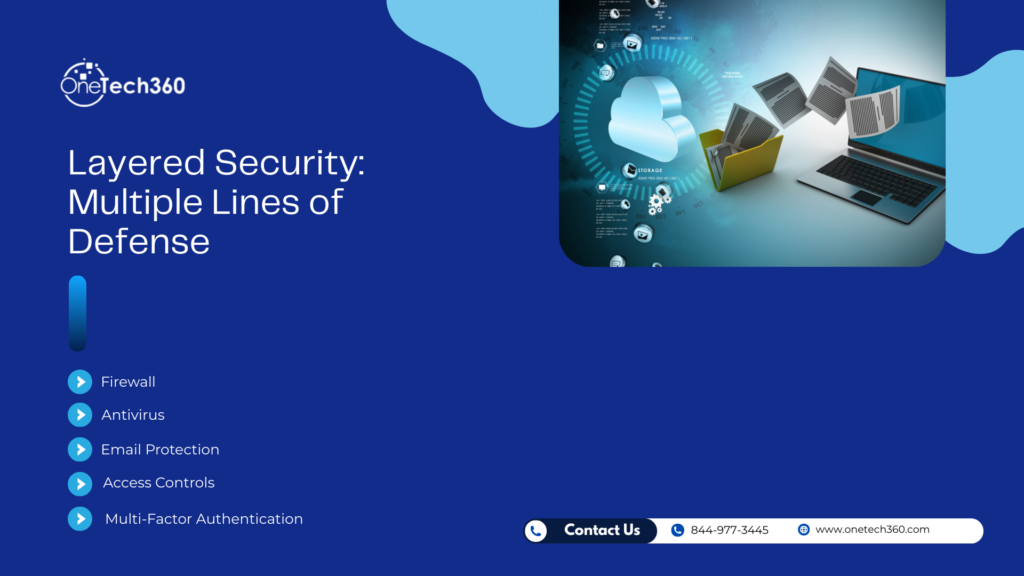
Security tools are your first line of defense. While no single tool can stop every threat, a layered approach significantly improves protection.
Essential Security Tools
- Reputable antivirus or endpoint protection software
- Network firewalls
- Email filtering solutions
- Multi-factor authentication
- Access control policies
Firewalls monitor incoming and outgoing traffic, helping block suspicious activity. Antivirus tools scan files and detect malicious behavior. Multi-factor authentication prevents attackers from logging in even if they steal a password.
When these layers work together, they create a stronger defense than any single solution alone.
Additional Tips to Strengthen Your Ransomware Defense
Beyond the five core precautions, consider these additional steps:
- Limit user permissions to only what is necessary
- Disable unused remote access services
- Segment your network to contain infections
- Monitor system logs for unusual activity
- Create an incident response plan
Preparation reduces panic. If your team knows what to do during an attack, response time improves and damage decreases.
Should You Ever Pay the Ransom?
Paying a ransom does not guarantee you will get your data back. In many cases, attackers disappear after receiving payment. Even if you receive a decryption key, systems may still be compromised.
Law enforcement agencies generally discourage paying ransoms because it funds criminal activity and encourages further attacks.
The better strategy is prevention and strong recovery planning.
Why Small Businesses Are Prime Targets
Many small businesses believe they are too small to attract attention. Unfortunately, attackers often target smaller organizations because they typically have fewer security controls.
Ransomware campaigns frequently use automated scanning tools that do not discriminate by company size. If a vulnerability is found, it may be exploited.
This makes proactive protection even more important for growing companies.
Final Thoughts: Prevention Is Always Cheaper Than Recovery
Ransomware is disruptive, expensive, and stressful. But most attacks succeed because of preventable weaknesses.
By avoiding suspicious links, ignoring scare tactics, maintaining secure backups, updating systems regularly, and using layered security tools, you significantly reduce your risk.
Cybersecurity is not about perfection. It is about preparation. The businesses that survive ransomware attacks are the ones that plan ahead.