
Mobile devices are more essential to business operations today than ever before. Employees rely on smartphones and tablets to access email, corporate applications, cloud services, and sensitive company data. But with this convenience comes significant risk. Many business leaders still underestimate how vulnerable mobile devices can be to cyber threats. The reality is that every smartphone, tablet, or wearable that accesses corporate systems can be an entry point for attackers. Without proper safeguards in place, your business could be just one compromised device away from a costly breach.
According to industry research, the average cost of a corporate data breach is roughly $3.86 million. That figure takes into account lost productivity, recovery costs, legal fees, reputational damage, and more. These numbers make it clear that mobile security needs to be a serious priority for organizations of all sizes. If your company has a bring-your-own-device (BYOD) policy, remote workers, or mobile access to critical systems, you are exposed unless you take steps to reduce mobile threats.
Why Mobile Devices Are an Increasing Cybersecurity Risk
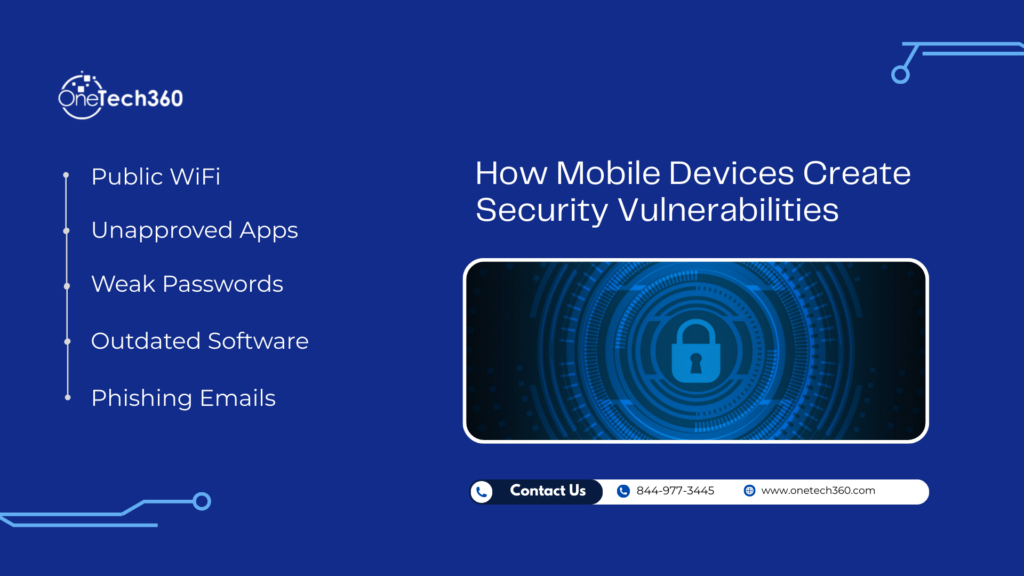
Mobile devices introduce unique challenges that traditional desktops or laptops do not. Most phones and tablets are designed for convenience and usability, not corporate-grade security. They may connect to unsecured public Wi-Fi networks, download apps from third-party stores, and store sensitive data locally. Many users do not update their devices as frequently as they should, which can leave holes open for attackers to exploit.
Two major categories of mobile security threats that businesses need to pay attention to are data leakage and phishing attacks. These threats are already serious and are expected to grow more sophisticated in the coming years.
Data Leakage Through Riskware and Rogue Apps
One of the easiest ways mobile devices can compromise corporate security is through unintended data leakage. Many mobile apps request access to sensitive functions like contacts, calendars, photos, or location services. Users often grant these permissions without checking what the app actually does with that access. Some apps, especially free ones from unofficial app marketplaces, may include hidden code that collects data and transmits it to remote servers for advertising or even malicious purposes.
This type of riskware can send corporate information, login credentials, or location data without the user knowing. Even apps that appear legitimate can have hidden behaviors that put corporate data at risk.
More advanced threats include malicious apps that use system privileges native to mobile operating systems like iOS and Android to transfer data quietly over your corporate network without setting off any alarms. These programs act like malware but look legitimate on the surface, making them harder to detect with traditional security tools.
Phishing Attacks on Mobile Devices
Phishing remains one of the most common tactics attackers use to gain unauthorized access to corporate accounts. Mobile devices are particularly vulnerable because people tend to read emails and messages on their phones all day long. When an attacker sends a realistic-looking phishing message, it can be easy to open it without giving it a second thought.
One of the reasons mobile devices make phishing easier to fall for is screen size. Email apps on phones show limited information by default, often only displaying a sender’s name and a brief snippet of the message. Users may not even see the full email address or destination URL until after they click a link. This limited visibility makes it easier for attackers to spoof legitimate sources.
Cybersecurity leaders consistently point out that users are more likely to engage with messages on mobile because they feel immediate and urgent. An email that looks like it came from a colleague or supervisor can prompt a quick click, leading to credential theft, malware installation, or unauthorized access to corporate systems.
Until you are on a fully secured corporate device such as a desktop or a properly managed laptop, it is best not to interact with unfamiliar links or attachments received on mobile. These may be vectors for phishing schemes that put your company’s security at risk.
The Real Business Impact of Mobile Security Breaches
Mobile device breaches can have devastating consequences for a business. Beyond the immediate financial cost of recovery, companies may face operational downtime, loss of customer trust, and regulatory compliance issues.
If sensitive customer information is exposed, you could be subject to legal penalties under data protection regulations such as GDPR or HIPAA, depending on your industry and location. Even if no regulatory breach occurs, a publicized security incident can damage reputation and customer confidence, leading to lost business opportunities. Cybersecurity is no longer just a technical issue; it is a business continuity priority.
Key Mobile Security Challenges Every Business Should Address
To build a stronger mobile security posture, companies need to understand where the risks lie and how attackers exploit them. Below are some of the most important areas to focus on:
Unsecured Wi-Fi Networks
Employees often connect to public Wi-Fi hotspots while traveling or working remotely. Without encryption, these networks can allow attackers to intercept data, capture login credentials, or inject malicious content into a mobile device. Encouraging the use of a Virtual Private Network (VPN) can help encrypt data in transit and reduce this risk.
Outdated Operating Systems and Apps
Because mobile devices are personal, many users delay updates or ignore alerts to install patches. Attackers actively exploit known vulnerabilities in outdated operating systems. Ensuring devices are updated promptly with the latest security patches is a critical line of defense against mobile attacks.
Insufficient Access Controls
Weak passwords, shared credentials, and lack of multifactor authentication (MFA) are major risk factors. Attackers can often gain access to corporate systems through stolen or weak credentials. Implementing strong password policies and MFA can significantly reduce this risk.
Shadow IT and Unsupported Apps
When employees install apps without IT approval, it creates what is known as “shadow IT.” These unsanctioned apps may not meet corporate security standards and can introduce vulnerabilities to your network. You need visibility into what apps are deployed across your mobile fleet.
How to Protect Mobile Devices and Corporate Data
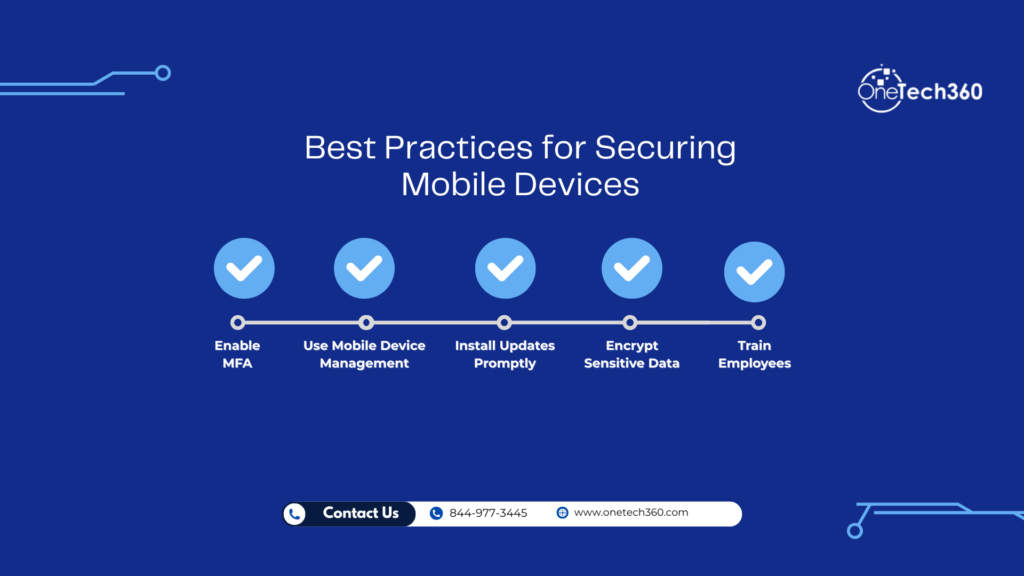
Thankfully, there are proven strategies and tools that can significantly improve your mobile security posture. A strong mobile security plan should include a combination of technology, policy, and user education.
1. Adopt a Mobile Device Management (MDM) Solution
An MDM platform allows your IT team to monitor, manage, and secure mobile devices across your organization. With MDM, you can enforce device encryption, control app access, deploy security updates remotely, and even wipe a device if it is lost or compromised.
MDM ensures that corporate data is isolated from personal data and that security policies are consistently applied across all devices that access company systems.
2. Enforce Strong Authentication Practices
Passwords alone are no longer enough. Combining user passwords with multifactor authentication (MFA) makes it much harder for attackers to gain unauthorized access. Whether through a security key, mobile token, or biometric scan, MFA adds an important security layer that significantly reduces risk.
3. Educate Users on Cyber Hygiene
User behavior plays a critical role in mobile security. Teaching employees to recognize phishing attempts, avoid unsecured networks, and report suspicious activity can reduce the chance of a successful attack. Security awareness training should be ongoing and tailored to the threats your organization faces.
For more on improving employee security awareness, read The Benefits of Cyber Security Training, which explains how training empowers users and strengthens your overall security strategy. :contentReference[oaicite:0]{index=0}
4. Apply Encryption and Data Loss Prevention (DLP) Tools
Encryption protects data wherever it travels or resides. Ensure that sensitive data stored on devices is encrypted and that communications to and from the device are encrypted as well. Coupling encryption with Data Loss Prevention tools allows you to monitor and block risky data transfers, especially from mobile endpoints.
5. Build a Formal BYOD Policy
If your company permits employees to use personal phones or tablets for work, you need a documented Bring Your Own Device (BYOD) policy. This policy should define what is permitted, what security measures are required, and what actions your IT team can take if a device is lost or compromised.
6. Partner with a Managed IT and Cybersecurity Provider
Managing mobile security internally can be overwhelming for many businesses, especially small and mid-sized ones. Partnering with a managed service provider gives you access to expert support, continuous monitoring, and advanced mobile threat protection. A trusted provider can help you develop a tailored strategy that protects both company and employee devices.
If you want a deeper look at real world security threats and what to do after an incident, check out My Business Has Been Hacked: What to Do After a Cyberattack. :contentReference[oaicite:1]{index=1}
Another helpful article to explore is Why Law Firms Are Prime Targets for Cyberattacks, which highlights how different industries face unique cyber threats. :contentReference[oaicite:2]{index=2}
Creating a Mobile Security Mindset Across Your Organization
Cybersecurity cannot be successful unless everyone in your organization understands their role. Even with advanced tools and policies in place, human behavior often determines whether your business stays safe or becomes a statistic in the next cyber breach report.
Leaders should encourage a culture where employees feel comfortable reporting suspicious activity and seeking help when they encounter a potential threat. Regular reminders, internal training, and transparent communication about security expectations go a long way in creating a resilient workforce.
Your strategy should also involve regular reviews of mobile security practices. The threat landscape changes rapidly, and attackers continuously find new ways to exploit weaknesses. Scheduled assessments, simulated phishing tests, and security updates are all part of keeping your defenses strong.
Final Thoughts
Mobile devices are essential to modern business, but they also present major cybersecurity risks when not properly protected. From data leakage to phishing attacks to unsecured networks, mobile threats are numerous and continuously evolving. Understanding these risks and implementing a comprehensive security strategy is critical for protecting corporate data, maintaining customer trust, and ensuring business continuity.
Mobile security is not a one-time project. It is a continuous process that involves technology, people, and policies working together. Whether you secure devices internally or partner with a professional managed IT service, acting now to strengthen mobile defenses will save your business time, money, and reputation in the long run.
Want help evaluating your mobile security risks? Contact a trusted provider today and build a plan that keeps your business safe in a mobile world.